
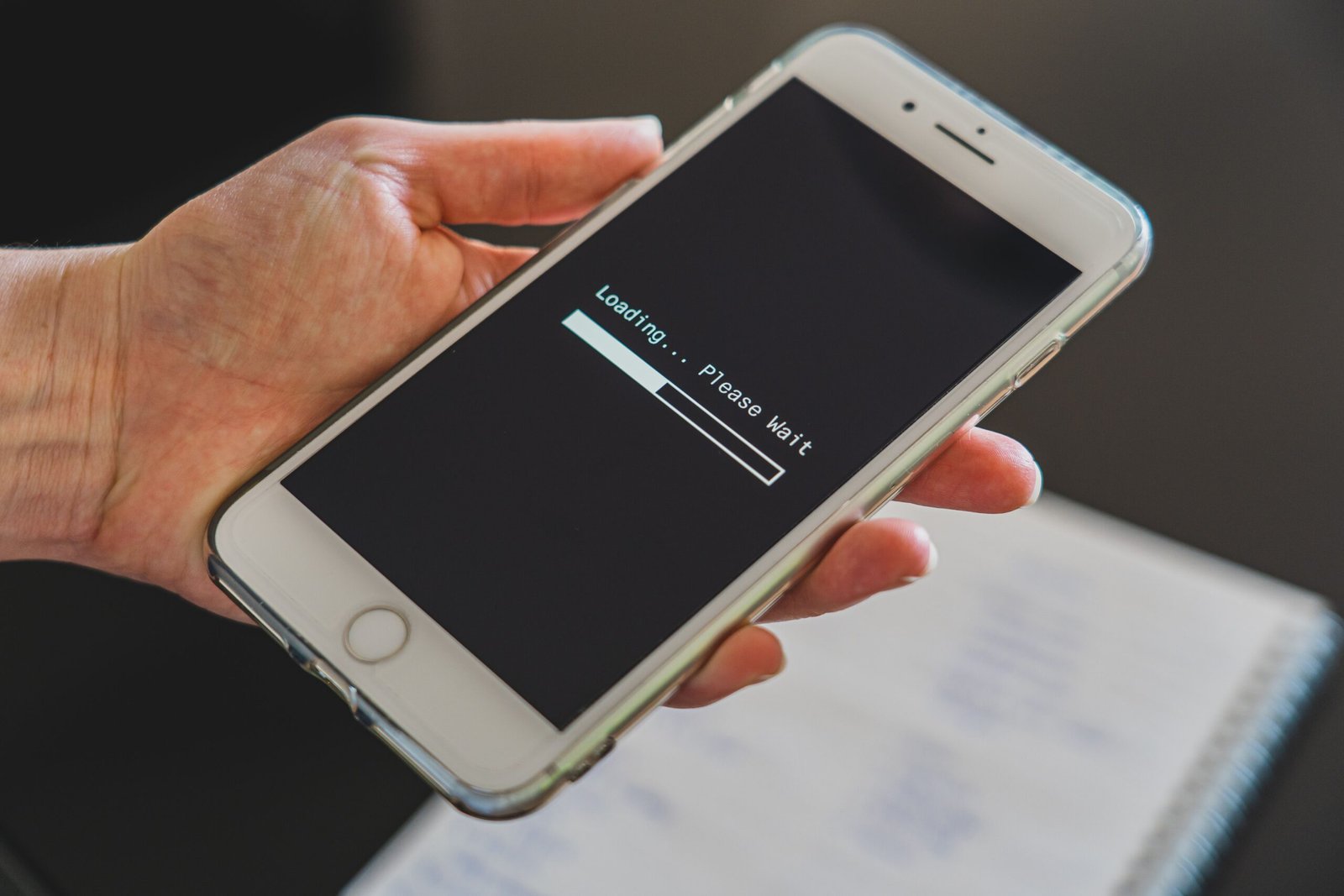
Phones across the country flashed “SOS” instead of a signal bar on Monday afternoon as T-Mobile suffered a nationwide network outage, leaving customers unable to make calls, send texts, or use mobile data for hours.
What Happened
Trouble reports started climbing on Downdetector around 1:23 p.m. PT (4:23 p.m. ET) on July 27, according to outlet snapshots of the tracking site. By roughly 2:27 p.m. PT, reports had surged past 200,000 nationwide before beginning to taper off through the afternoon and into the evening. Different outlets caught the spike at different moments — some logged it in the 60,000 range early on, others closer to 140,000 as it built — which is typical of a fast-moving Downdetector spike rather than a sign anyone got the story wrong.
Customers described calls failing to connect, texts stuck on “sending,” and data simply not loading. Many phones displayed the “SOS” or “SOS Only” indicator that normally appears when a device can’t reach its home carrier’s network at all.
Who Was Affected
Reports poured in from across the map — New York, Los Angeles, Chicago, Houston, Denver, Atlanta, Florida, Texas, New Jersey, and parts of the Pacific Northwest were all named in local coverage. The disruption wasn’t limited to phone service, either: T-Mobile’s 5G Home Internet product, which routes household Wi-Fi through the same wireless network, went down in several regions too, alongside hiccups in the T-Mobile app, email, and TV streaming services tied to the account.
Because T-Mobile’s network also underpins several budget carriers that lease its infrastructure (including Metro by T-Mobile and Mint Mobile), some of those customers reported the same symptoms, though the bulk of complaints came from T-Mobile’s own subscriber base.
What T-Mobile Said
T-Mobile acknowledged the problem publicly as reports mounted, saying its teams were “actively working the reports of technical challenges impacting some customers” and that “every available resource is focused on resolving this as quickly as possible.” The carrier later added that “any service impacts are in the process of being resolved” as the numbers began to fall.
As of Tuesday morning, T-Mobile had not published a detailed post-mortem explaining the root cause — whether it traced back to a network hardware failure, a software update gone wrong, or something else. That’s normal in the first day after an outage like this; carriers typically take time to confirm a cause before saying anything definitive, to avoid getting it wrong in public.
What “SOS” Mode Actually Means
When a phone shows “SOS” or “SOS Only,” it means the device has lost its normal connection to T-Mobile’s network but can still reach some cell tower well enough to place an emergency call to 911. It’s a built-in fallback in both iOS and Android, not a sign anything is wrong with the phone itself — it’s the network, not the device, that’s the problem. Regular calls, texts, and data stay unavailable until the home network connection is restored.
What To Do If You’re Still Affected
- Try Wi-Fi calling if you’re near a router — most modern phones can route calls and texts over Wi-Fi when the cellular network drops, as long as the feature is enabled in settings.
- Restart your phone. A reboot forces it to re-search for a network connection, which sometimes reconnects faster than waiting it out.
- Check T-Mobile’s official support channels rather than relying only on Downdetector, since Downdetector reflects user reports, not confirmed company status.
- If you need to reach 911 and have no bars at all, SOS mode should still route the emergency call through any available carrier’s tower, not just T-Mobile’s.
When Will Service Be Fully Restored?
Reports on Downdetector were already declining by the late afternoon on July 27, suggesting T-Mobile was making progress, and many customers said service returned within an hour or two of first losing it. Others described intermittent drops continuing into the evening. T-Mobile has not given a precise all-clear time — check the carrier’s own status updates for the latest.
Not the First Time
Large-scale wireless outages aren’t unique to T-Mobile — every major U.S. carrier has had a network-wide incident in recent years, including a widely covered nationwide AT&T outage that cut off calls and texts for hours. They’re a reminder of how much everyday life — banking apps, ride-hailing, two-factor login codes, even smart home devices — now depends on a single carrier connection staying up. For most customers, Monday’s outage was an inconvenience rather than an emergency, but it renewed the familiar question of what backup options — Wi-Fi calling, a second SIM, satellite SOS features on newer phones — are worth having in place before the next one hits.
For more on this week’s tech-driven service disruptions, see American Airlines Ground Stop. For more, visit our News section.
For official information on this story, see T-Mobile’s official newsroom.
What to do during a mobile outage
Crowdsourced outage reports show where users are experiencing problems, but they do not measure the exact number of affected customers and cannot by themselves identify the cause. A spike may reflect one carrier, a device setting, local infrastructure, roaming, or a related service. Use T-Mobile’s official support channels for account-specific status.
- Connect to trusted Wi-Fi and enable Wi-Fi calling if it was previously configured.
- Restart the device once and check airplane mode, but avoid repeatedly resetting network settings unless support recommends it.
- For emergencies, try 911; FCC guidance notes that a phone may connect through another available carrier, but coverage is never guaranteed.
- Download tickets, maps and authentication backup codes before travelling when possible.
- After restoration, document the time and impact before asking the carrier whether a service credit applies.
“Resolved” at the network level does not mean every device reconnects immediately. If service remains unavailable after the carrier reports recovery, check the SIM or eSIM status, install pending carrier settings, and contact support from another connection.

Leave a Reply